

How to Choose a B2B Ecommerce Platform Without Wasting 200K on the Wrong One

May 7, 2026
March 26, 2020 by Paul Byrne
Basics of Getting Online Now
Many people worldwide that care about small, local businesses and their employees whom are disproportionately damaged by lockdown and social distancing orders are organizing to help. Razoyo has been communicating and coordinating with people around the world who are creating resources, volunteering time and want to help.
As the situation progresses, we will continue to update this page with links to resources.
This is an open-sourced initiative from the global ecommerce community. You can reach out to apply for help here.
This article contains supplemental information to the video. Please watch the video for the concepts and the basics. I apologize for the shifty eyes and low production quality; I was focused on getting this information into your hands as quickly as possible.
If you don’t have a Facebook page for your business, create one now, it is free and will continue to be free after the crisis ends.
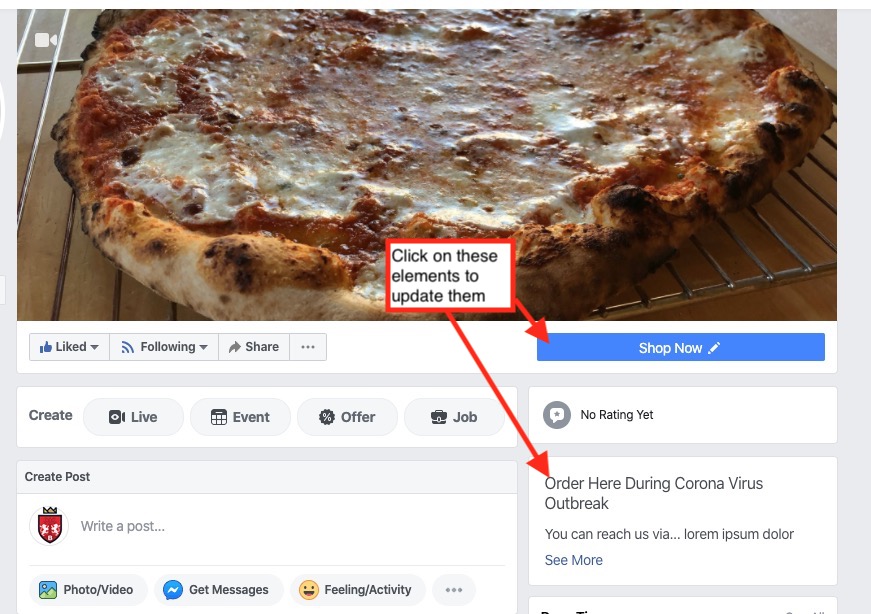
Once you have a Facebook shop set up you can add the Shop button.
Connect your Instagram business profile - if you don’t have one, create one quick and submit it for approval so that you can promote your products there. Most younger use Instagram rather than Facebook.
Follow this guide to setting up a YouTube channel for your business. Be sure to add a link on your Facebook Page.
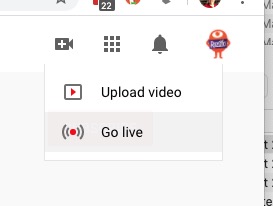
Live streaming is a great way to connect with your customers. However, it may take a day or two before YouTube allows you to do it. You’ll want to go to your YouTube page as the account manager (if you set it up, that is you) and press the Live Stream button in the upper right.
The first time you do it you may get this error message:
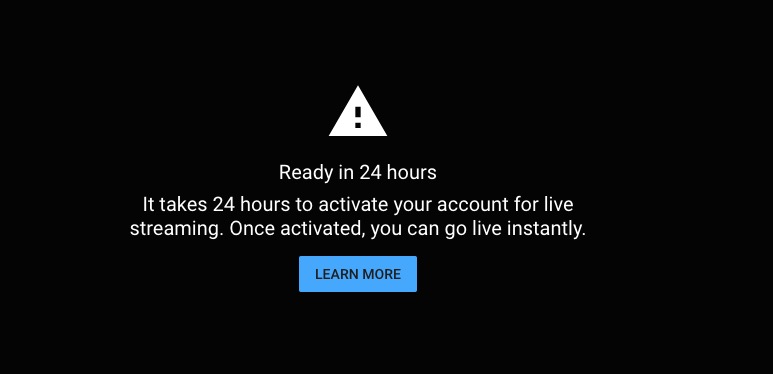
Go ahead and get the process started. Click the Learn More button and it will walk you through it.
To live stream with mobile you need to have 1,000 followers on your YouTube channel. However, you can stream from your laptop in the beginning.
YouTube’s explanation of live streaming can be found here.
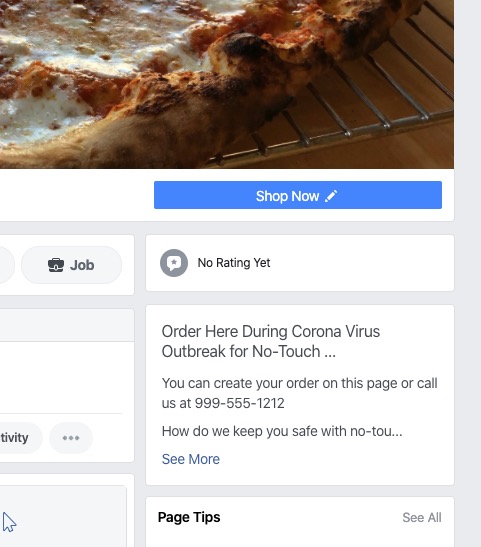
Whether you are delivering food or card games be sure to communicate how you are sanitizing all of your products.
Practice no-touch delivery. Text the people you are delivering to when you are at their door and leave the package. Use gloves or other means. Communicate that you are doing this, we recommend putting this in your story.
When you create the banner image (which you can take from your phone or use one you already have), you may want to add text over it. Just use a basic image editor on your phone or computer to say “We’re Open For Delivery."
Post the information on your door. Consider making or getting a banner to let people know you are open to phone and online orders.
Vista Print makes a variety of vinyl banners you can order online. We’ve seen some merchants simply using an old banner or posting them in the windows.
Post a QR code in the window if that makes sense. You can add a QR code to your banner as well.
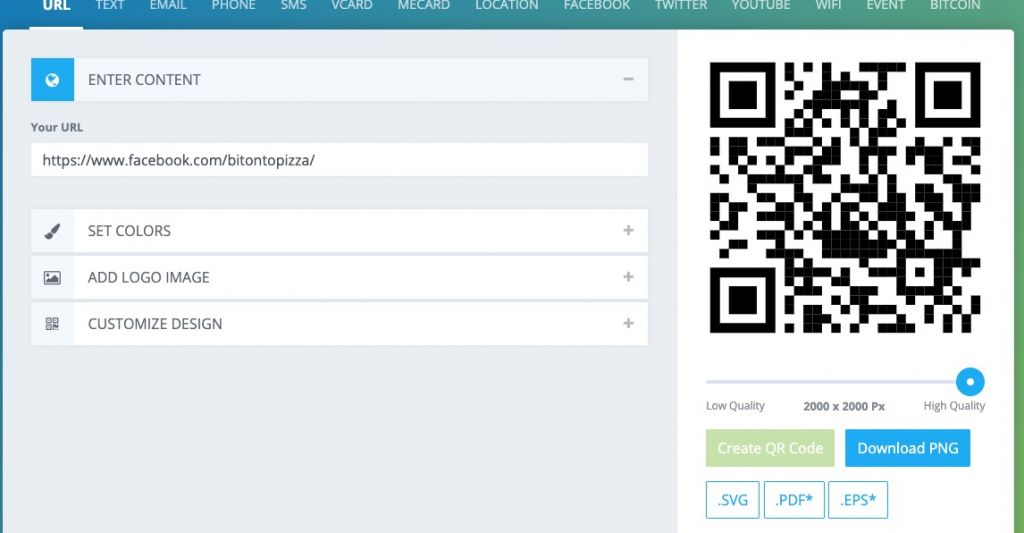
Make sure to have high resolution and download the JPG
You can use this image on your printed materials.
Have them answer chat on your facebook page, deliver orders, or perform other tasks.
Have them reach out to your best customers and get the customers to advocate for you. Chances are they care about your business too and would love to help spread the word. Many of them may, unfortunately, have a lot of free time on their hands.
These links open AI platforms with pre-written prompts about this page.
We use cookies to improve your experience. Do you accept?
To find out more about the types of cookies, as well as who sends them on our website, please visit our cookie policy and privacy policy.


